Posts

Showing posts with the label Magento 2 auto invoice & shipment

How is Auto Invoice and Shipment Extension Helpful For Your Magento Store?
Image
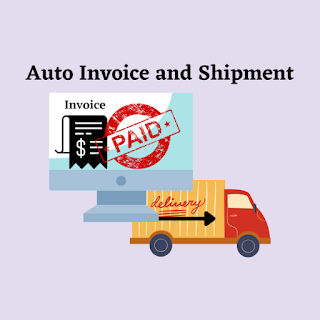
It's possible that the business owners had trouble creating invoices and shipments for their products. A Magento store needs human resources to do the operation manually because the default Magento does not offer the automated approach to do so. When the number of customers rises, these solutions become impractical. It raises the likelihood of mistakes. Store administrators must spend extra time manually creating invoices and shipping for their stores. Since Magento essentially prohibits shop admins from creating invoices and shipments automatically. The creation of invoices and shipments in a Magento 2 shop is automated with the Auto Invoice & Shipment extension. Use the module to quickly and simply speed up order processing. By providing customers with rapid payment confirmations, you may raise their level of happiness. Customers' trust is increased, and the user experience is improved. The module is very simple to set up and works with a variety of payment...
Magento 2 Auto Invoice and Shipment Extension Overview and Features

Image
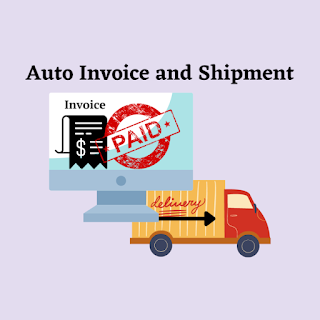
It is a very time-consuming task to manually create shipments and invoices after the order is completed. And creating the shipment and invoice details manually may create mistakes and complexity. Many times it happens when you sell an item at Magento 2 store, you have to manually generate an invoice and shipment details.  To avoid this complex process of manually generating invoices you need Magento 2 auto invoice & shipment that simplifies the process by automatically generating and updating the status soon after the payment is received and the order is completed.   How Does The Extension Work?   You can add this extension by selecting the payment method from the list and enabling the extension to get auto invoice and shipment generation. Now, when a customer will place an order, the admin doesn't have to generate the order status manually the extension will generate it automatically. It generates immediately just after the order is placed and updates ...